Review a response
Basic flow
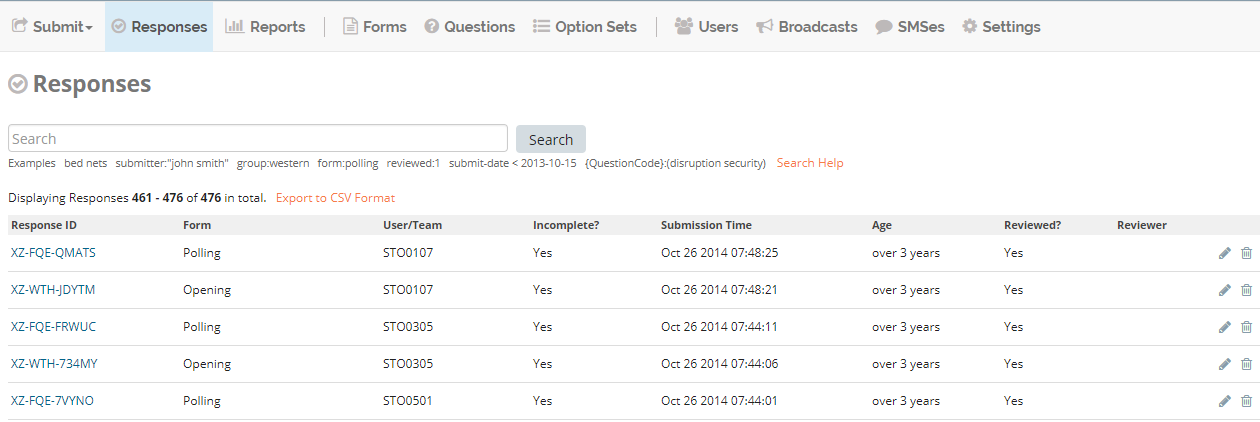
Click Responses menu.
Click on the same row as the response to be reviewed.
Make any necessary changes to the form.
Click Save.
Popola Editor
In addition to editing the response answers, the Popola editor also allows editing metadata about the submission:
Optionaly check the box Reviewed?.
Optionaly add Reviewer Notes.
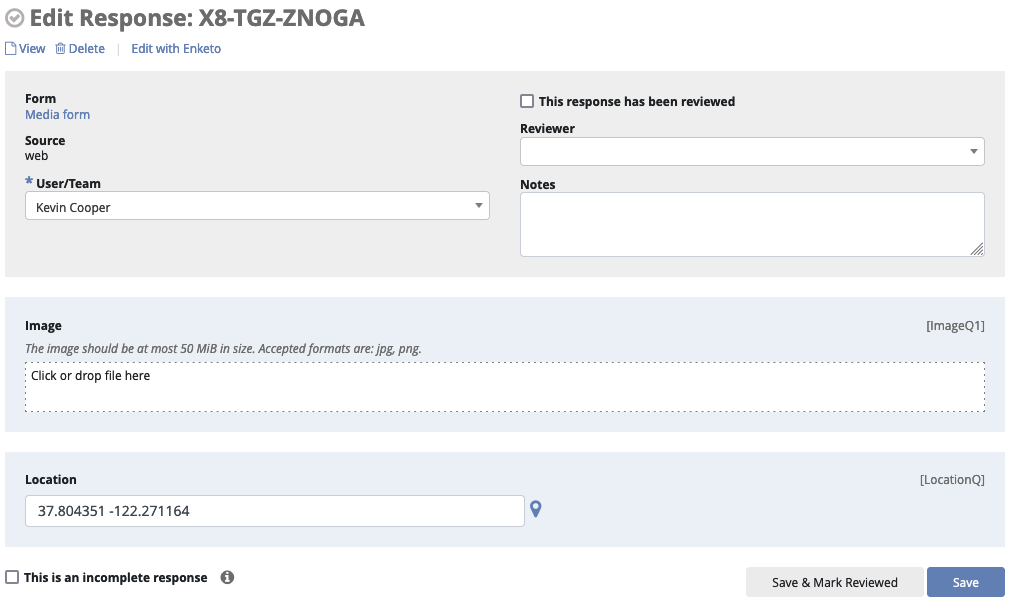
Note you will not be able to interact with conditional logic, such as display/skip conditions, in the Popola editor.
Enketo Editor
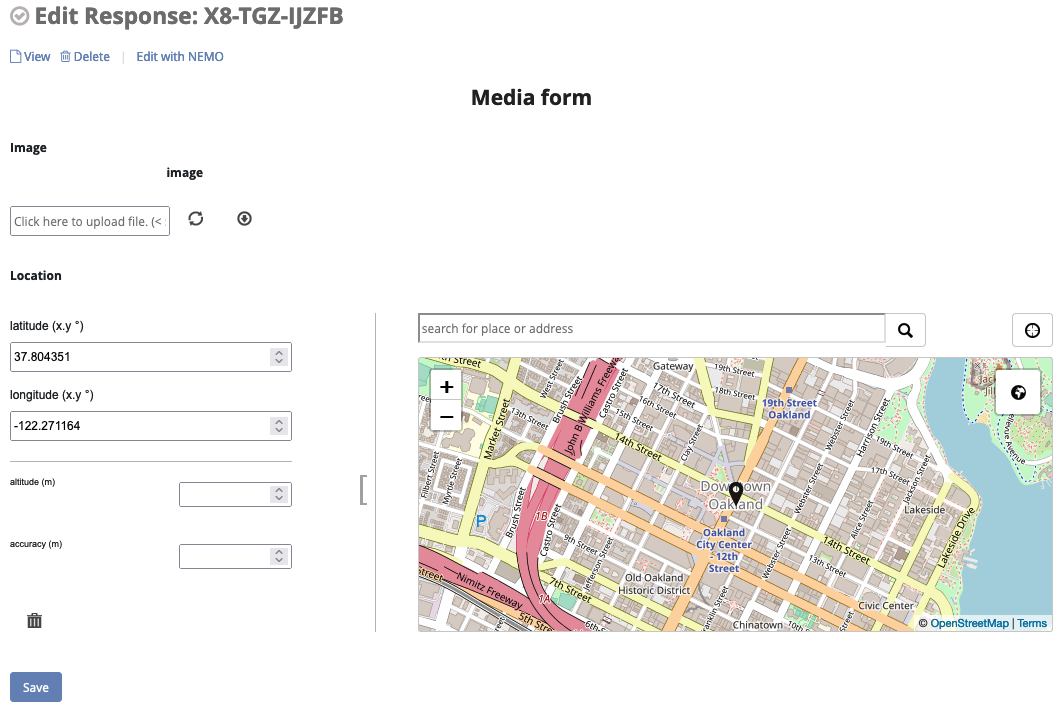
The Enketo editor is an open-source tool which has been integrated into the Popola app. Enketo supports conditional logic, such as display/skip conditions, even when reviewing existing responses.
Switching Between Editors
At any time, you can click the View/Edit with Enketo or View/Edit with Popola link at the top of the page to switch between editors.
Note that Enketo currently only supports responses that have an associated XML file, which means it cannot be used to view responses made through the Popola web form. Similarly, if you edit a response with the Popola web editor, those edits will not be visible in Enketo and you will see an earlier version of the form; in this case a warning will appear at the top of the screen as a reminder.